A feed reader that doesn't take itself more seriously than your articles.
Really Simple Reader shows you what you've subscribed to – chronological, clear, no algorithm, no banner ads, no forced sign-up.
As simple as it sounds
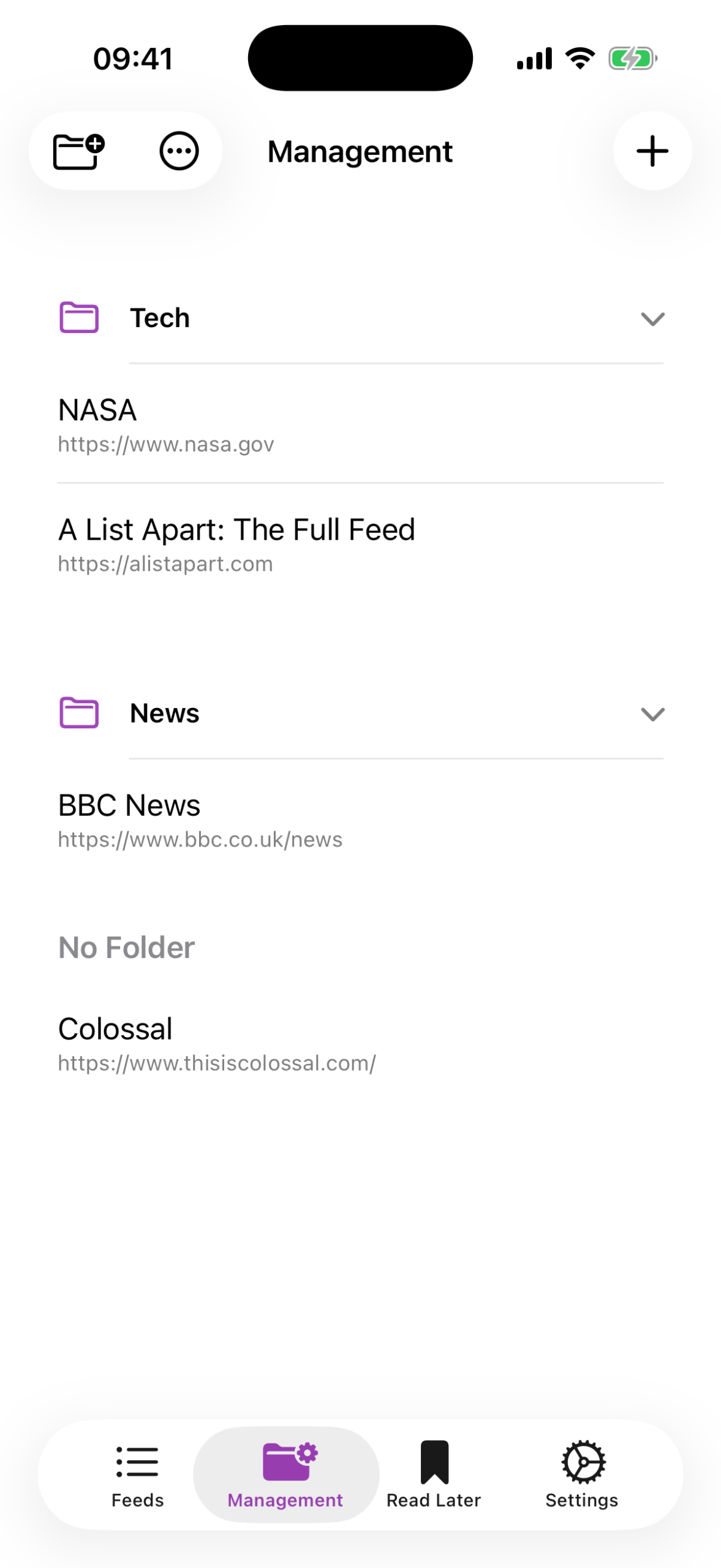
Enter a feed URL, done. Really Simple Reader stores everything locally on your device – no account needed. No login, no email address, no cloud requirement.
Everything a feed reader needs
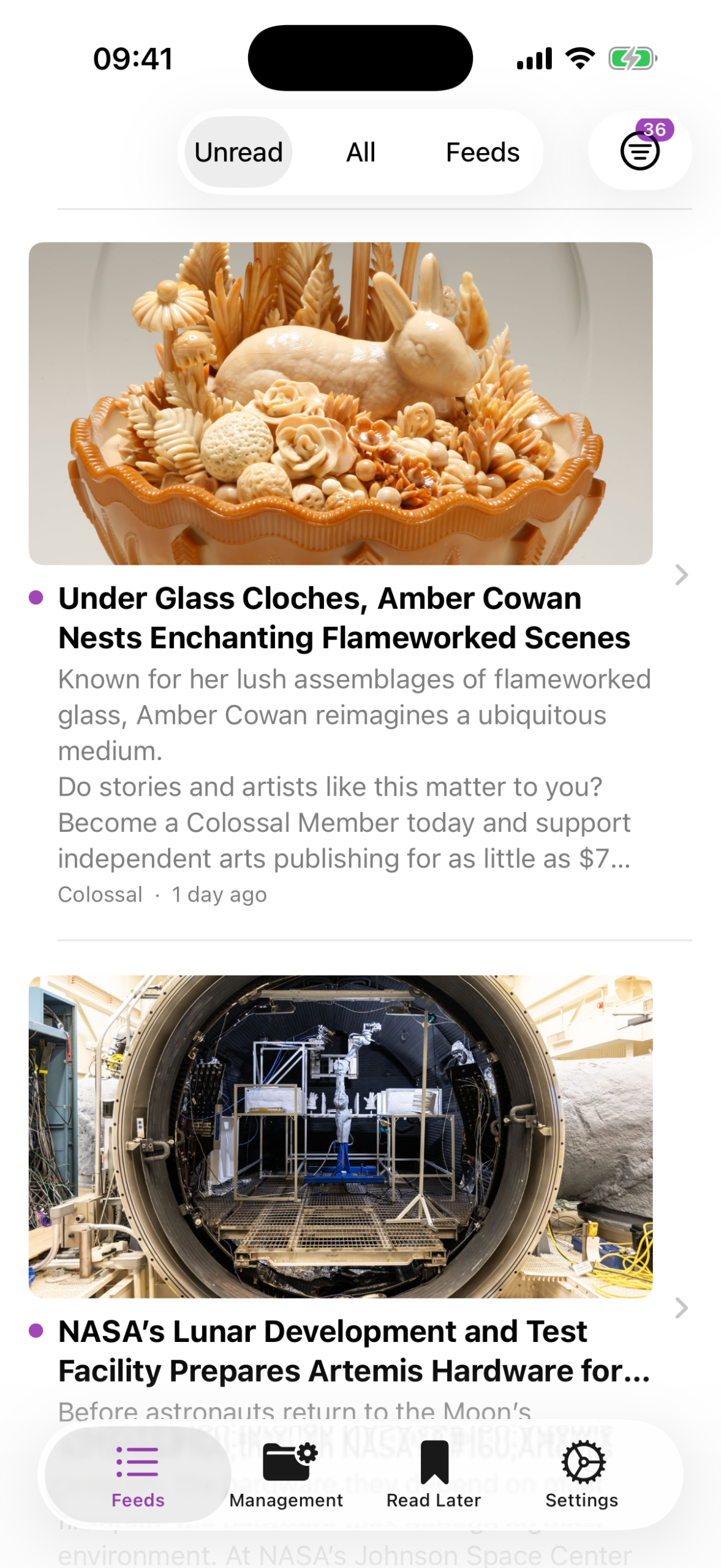
- A combined timeline for all feeds – or filtered by folder
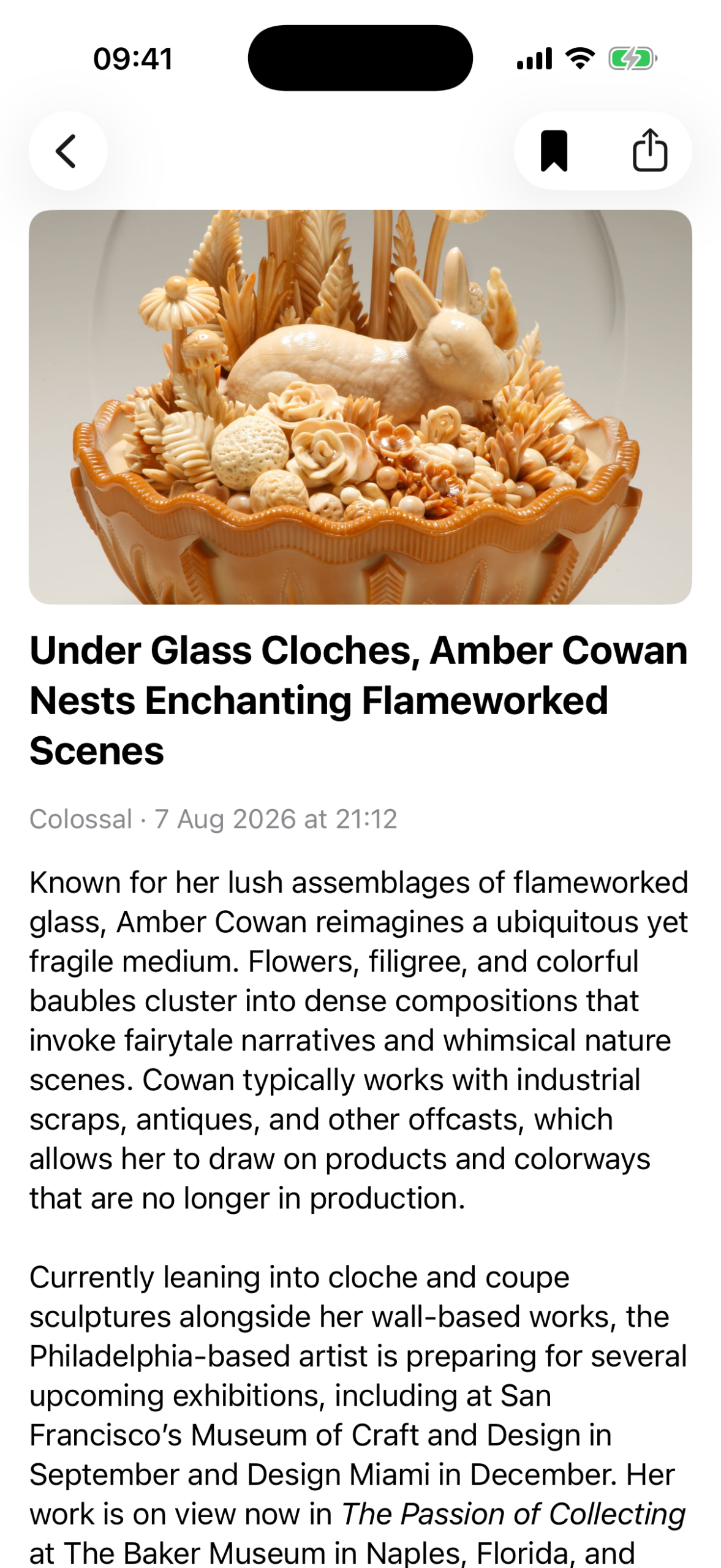
- A clean article view with no distractions, with Safari Reader as a fallback
- Folders to organize your sources
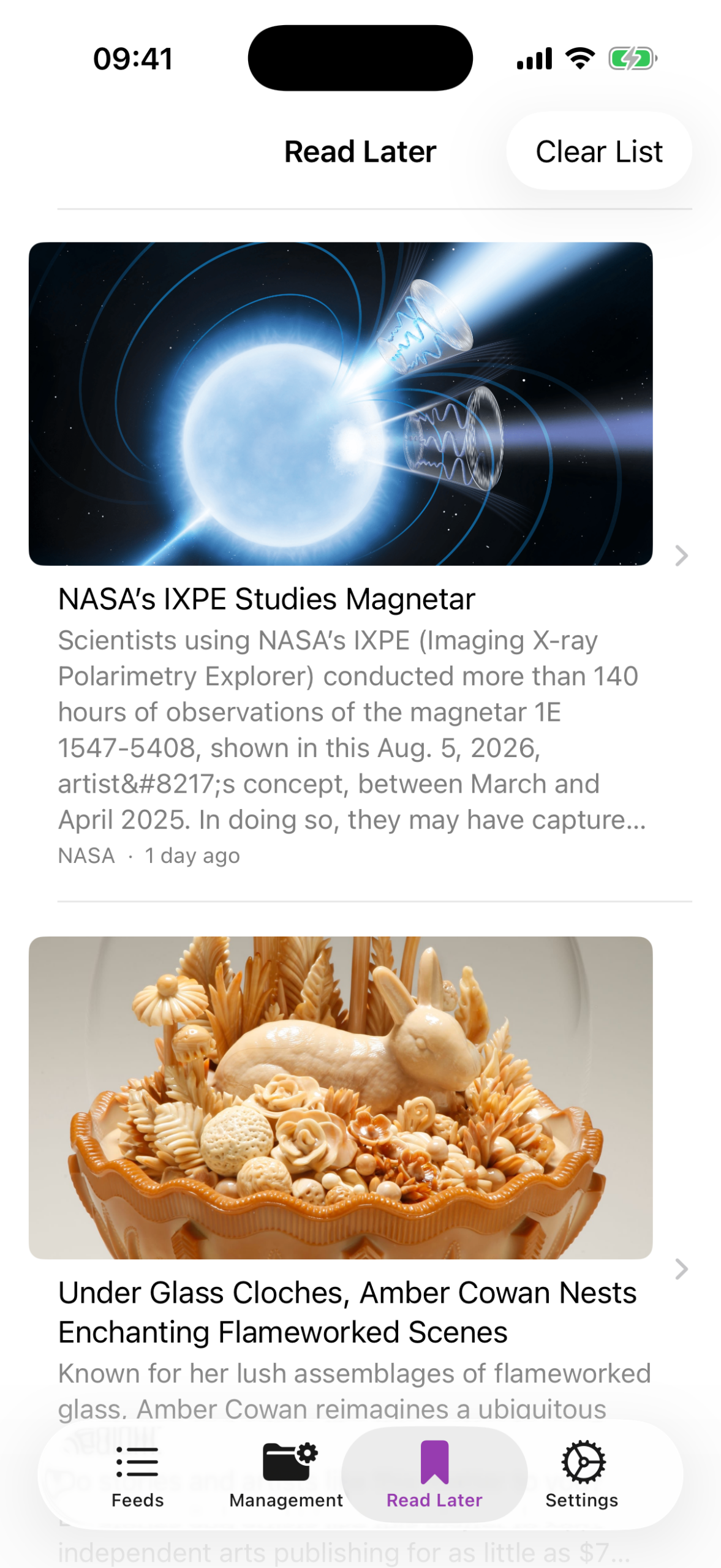
- "Read Later" for articles that don't fit right now
- Notifications for new articles (optional)
- Import/export your feed list (OPML)
- Automatic cleanup of old articles, fully adjustable
Your data stays your data
Everything is stored locally on your device. If you want, you can optionally enable sync across multiple devices – a deliberate extra feature, never a requirement.
Really Simple Reader is for anyone who wants to use RSS the way it was meant to be: a calm, reliable way to keep track of your own sources – without an app getting between you and your articles.
Questions or feedback? Use the contact form — I’ll get back to you as soon as possible.